
In order to reset your password please go to https://dashboard.lemverify.io/#/forgot and you will be presented with a screen requesting the email address associated with your LEM Verify account: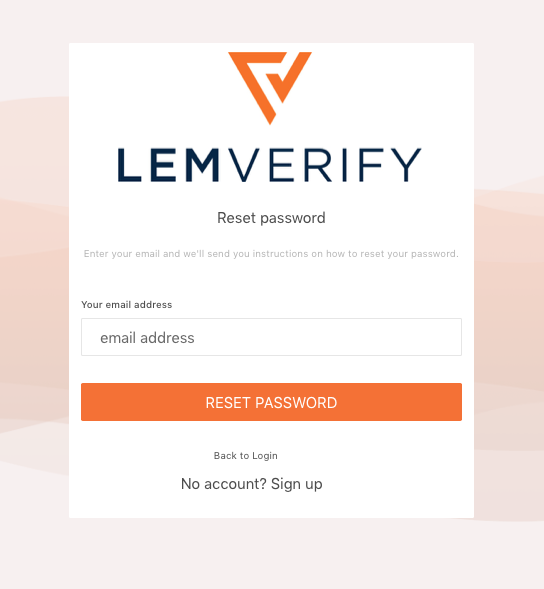
Once you have entered your email address please press "RESET PASSWORD". You will taken to the following screen and also sent an email with a 6 digit verification code to your email address.
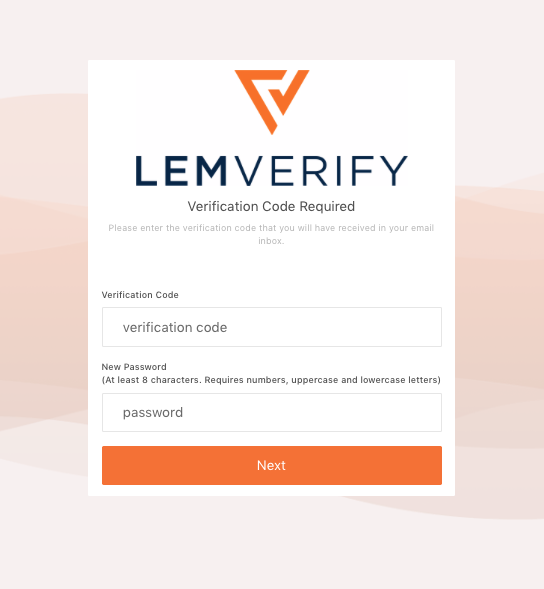
You will need to enter the 6 digit code (the one-time verification code expires after 1 hour) you received in your inbox along with a new password that adheres to the following password policy below:
- At least 8 characters
- Requires numbers
- uppercase and lowercase letters
(Remember to keep your password safe)
If the new password has been accepted then you will be taken to the login screen to enter the LEM Verify dashboard as normal with your new password: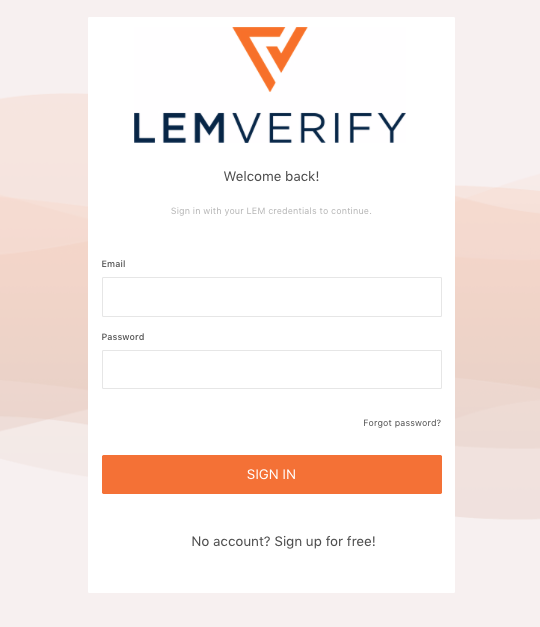
Comments
0 comments
Please sign in to leave a comment.